Assign a Tag to an Interaction
You can assign tags to Interactions, where the tag serves as a reminder or keyword that can be later used to retrieve the call details and for segmentation in interaction analysis.
For instructions on how to set up tags, see Tags.
|
1.
|
In the Icon pane, click  . . |
|
2.
|
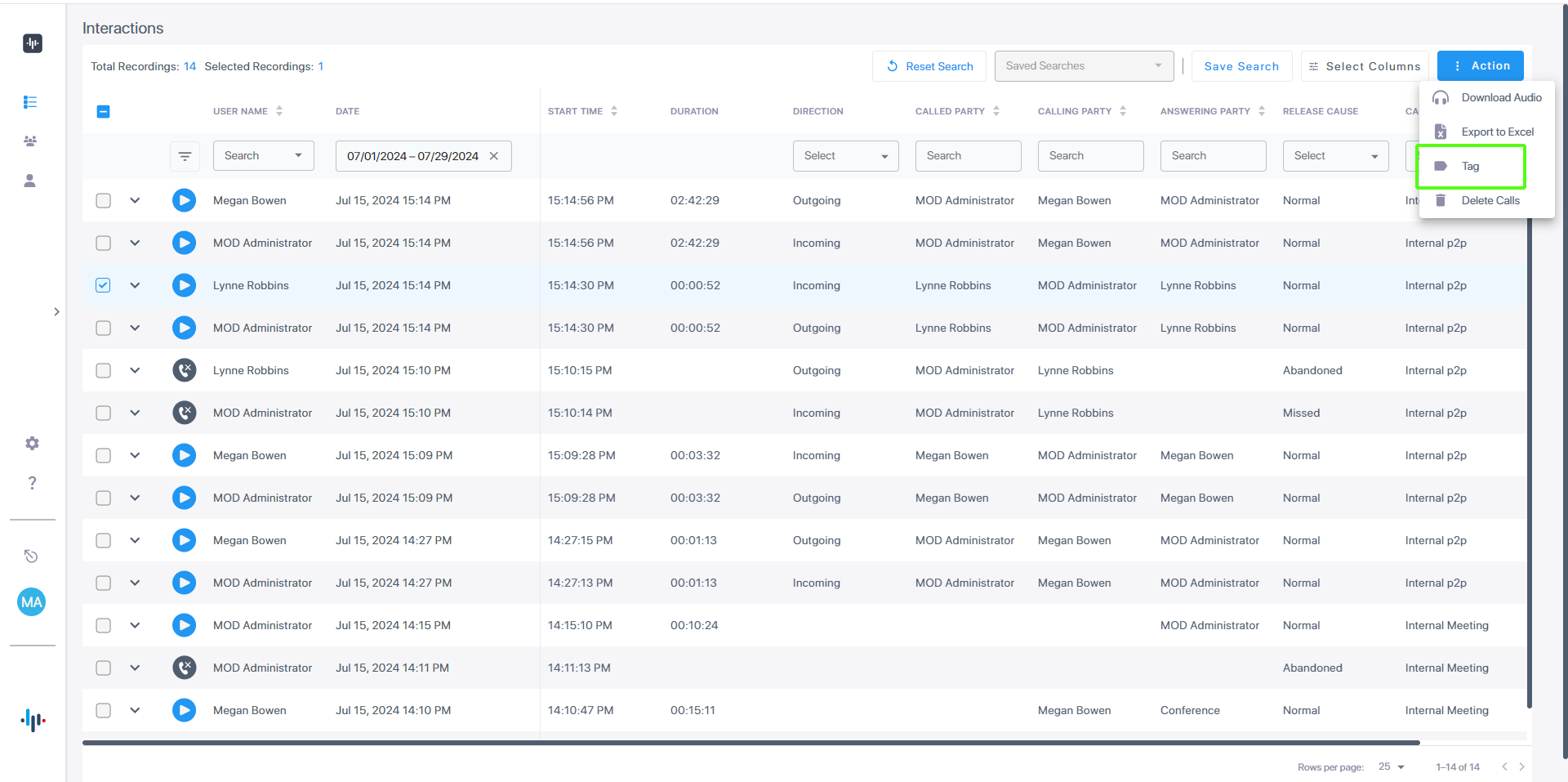
Select the check box adjacent to the interaction that you wish to tag. |
|
3.
|
From the Action drop-down list, choose Tag. |
|
4.
|
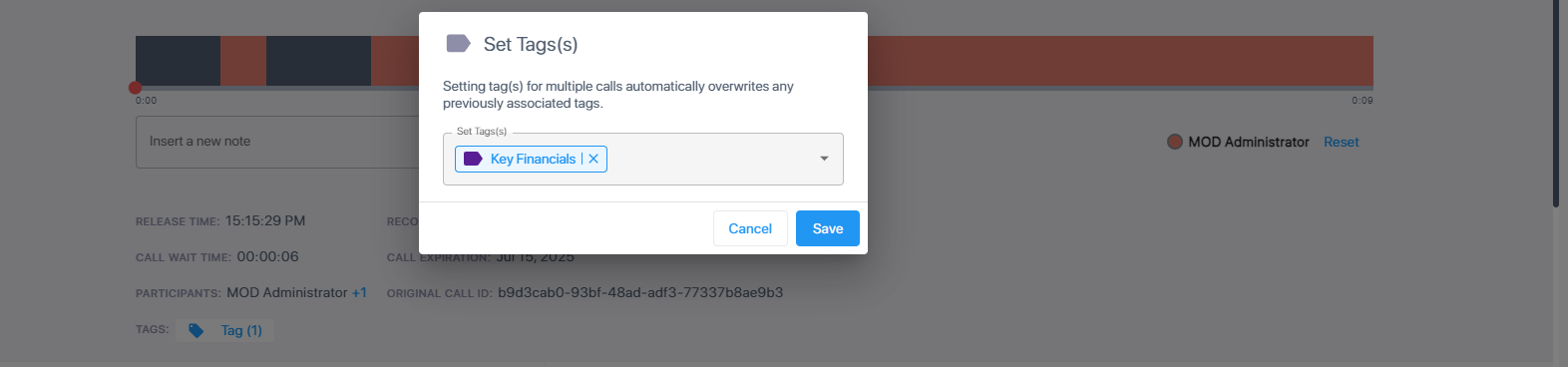
From the Set Tags drop-down list, select the check box adjacent to the tag that you wish set, then click Save. |
|
5.
|
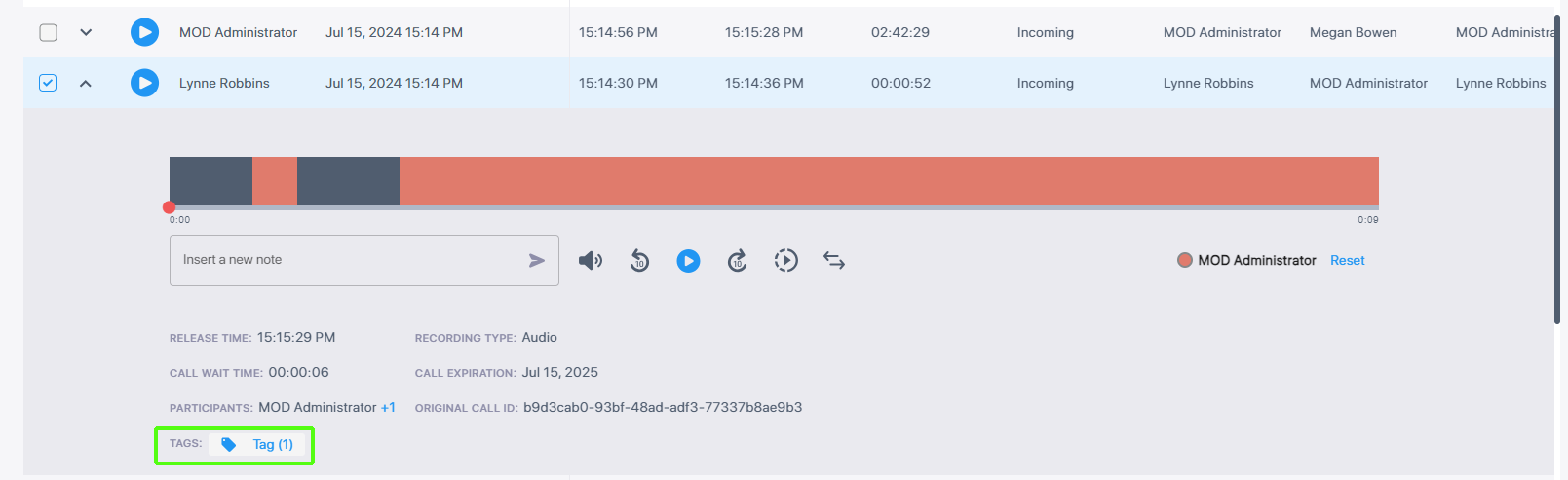
Open the Time line for the interaction. Notice the link to the tag that you just added. |